
Guides · Updated 2026-10-29
TiviMate or IPTV Smarters: Which App to Use
TiviMate or IPTV Smarters for an IPTV subscription. Both take the same Xtream Codes from IPTV Official.
Same login, two players
| TiviMate | IPTV Smarters Pro | |
|---|---|---|
| Login we send | Xtream Codes | Xtream Codes API |
| Best fit | Android TV and a daily guide | Fire Stick and the first install |
| Amazon store | Not listed | Not listed — use Downloader |
| Play Store / Apple | Play Store on Android | Play Store on Android; App Store path on Apple |
TiviMate and IPTV Smarters Pro both play the account we send. Neither one is a different subscription. The choice is which remote, which guide, and which device you already like. People lose an evening switching apps when the login was fine the whole time.
Use one player per TV. Two players open on the same connection will fight each other and look like buffering. Close the one you are not using.
When TiviMate fits
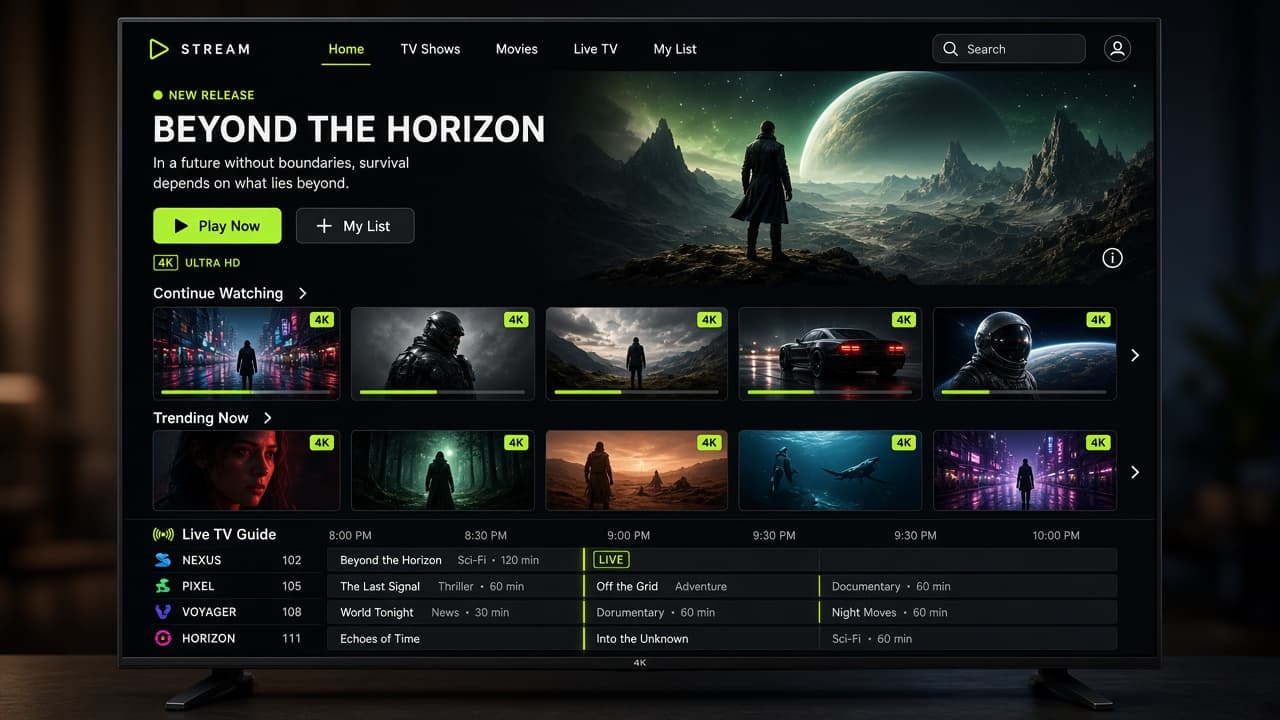
TiviMate is the usual pick on a Fire Stick or Android TV when you want a proper channel guide, a clean favourites list, and recording options on the device. It feels like a television, not a phone app stretched onto a TV. The free tier is enough to confirm the line. The paid unlock, bought from the app’s own page, is worth it if this is the TV you watch every night.
Enter Xtream Codes, not a random playlist file. After the sync, open TV guide and give it a minute to fill. If the guide is empty, the stream can still be fine. Pull to refresh, or reopen the app once. Tell us if a whole country’s guide is blank and the channels themselves play.
When Smarters fits
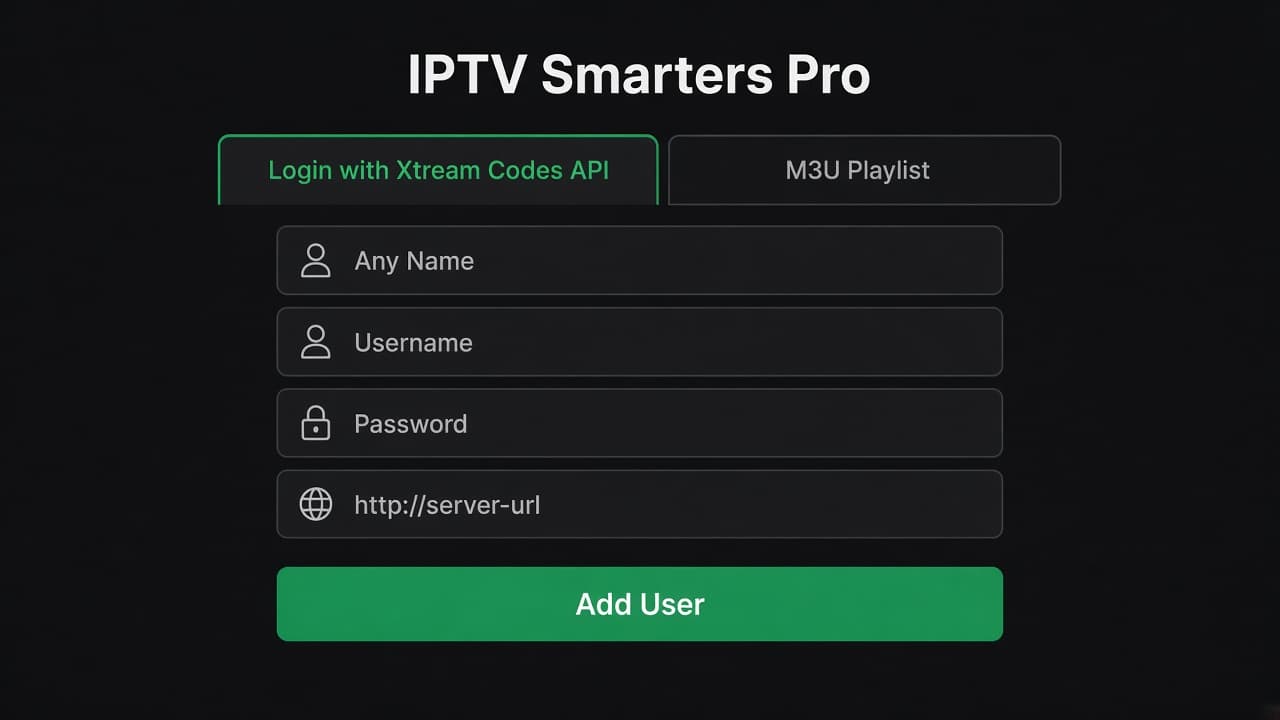
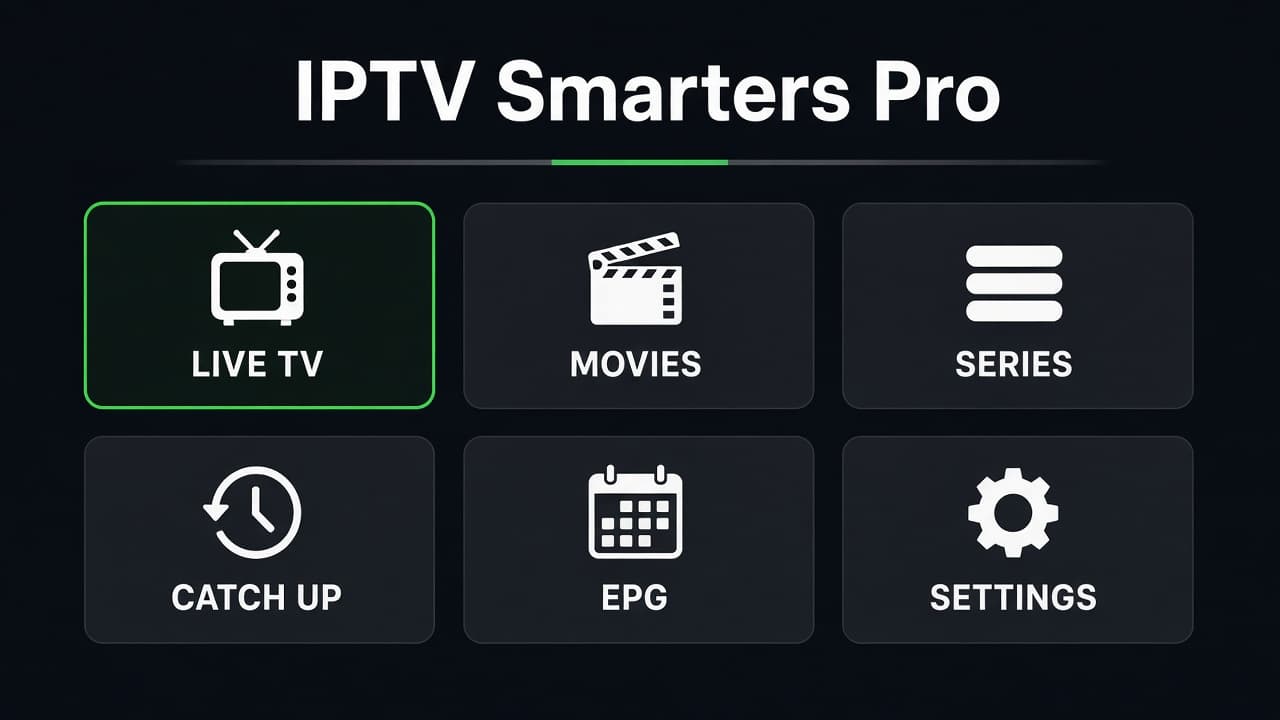
IPTV Smarters Pro is the easier install on Samsung, LG, and phones. The login screen is obvious: Xtream Codes API, then the three fields. Live TV, movies, and series are separate tabs, which helps someone who has never used IPTV. It is also the app we can talk you through on a phone screen share without a special remote.
Smarters is a better first app if you are not sure yet. You can move to TiviMate later with the same username. You do not buy a second plan to change players.
What not to do
Step 1
Step 1
Do not install three players to “test which is faster.” Test one, on the Wi-Fi you actually use, at the hour you actually watch.
Step 2
Do not paste the password into a group chat to ask a friend for help
Do not paste the password into a group chat to ask a friend for help. Send it to us.

Step 3
Do not delete the account when you renew
Do not delete the account when you renew. Renewal keeps the same username.
Step 4
Step 4
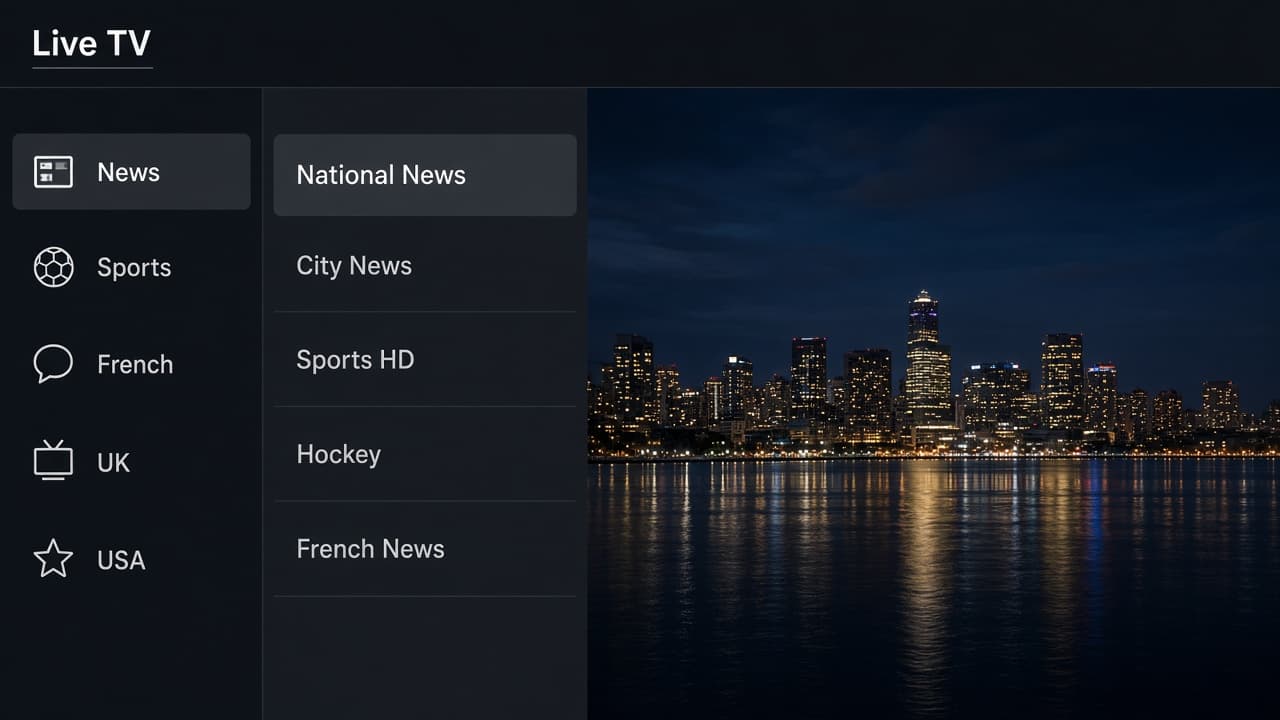
If a channel is in the wrong language, it is usually a group further down the list, not a broken app. Search the channel name before you reinstall.
Give the player you chose a full evening before you switch. The first hour is setup. The second hour is the real test: a live channel, then something from the movie or series tab. If both play, the app is fine and the rest is taste. People who reinstall nightly never learn where favourites live, and then a renew feels harder than it is.
If you are setting this up for someone else, leave Smarters on the TV and write the username in their WhatsApp thread with us. They can ask for help in the same chat later. A player you understand and they do not is a support call waiting for the next hockey night.
Pick one IPTV app and leave it
TiviMate is the television-style IPTV app on Fire Stick and Android TV. IPTV Smarters is the easier IPTV app on Samsung, LG, and phones. Both use the same IPTV subscription. Switching apps does not improve a weak Wi-Fi signal, and two apps open at once will look like buffering on a single connection.
- ✓Only one player is open
- ✓The account was added as Xtream Codes
- ✓Favourites are set in the app you will keep
- ✓You have not reinstalled just to “test speed”