
Guides · Updated 2026-10-29
IPTV on Samsung and LG Smart TVs
IPTV on Samsung and LG smart TVs. Install the player from the TV store and sign in with your IPTV Official login.
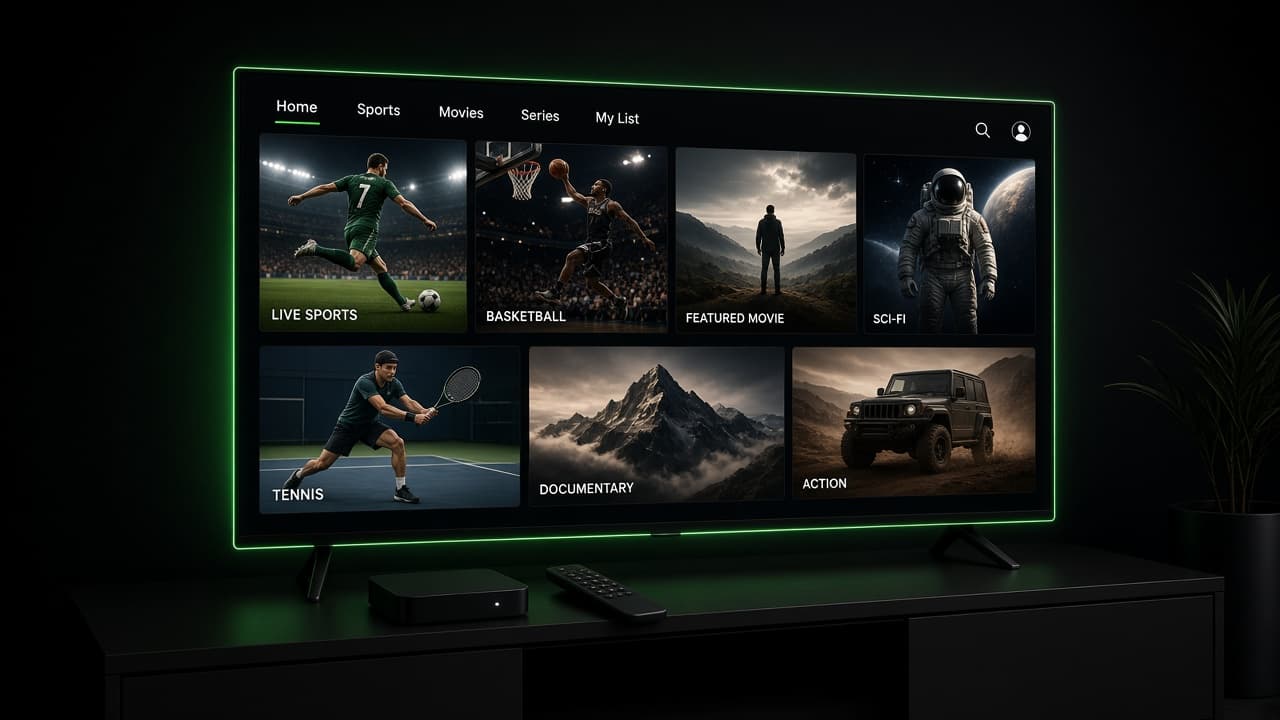
Which TV store to open
| TV | Start here | If the store has no player |
|---|---|---|
| Samsung | Samsung Apps | Use a Fire Stick or Android box on the HDMI port |
| LG | LG Content Store | Same fallback: a stick on HDMI |
| Google / Android TV | Play Store | Install TiviMate or IPTV Smarters there |
Samsung and LG sets from the last several years can run an IPTV player without a Fire Stick. That is the right setup when the household does not want another remote. The login is the same one we send for every other device: server URL, username, and password.
Older sets are the exception. If the TV’s app store has no IPTV player, or the store itself will not open, a stick is the practical answer. We will say so in the chat rather than walk you through a store that does not exist on that model.
Samsung
Step 1
Step 1
Open the Samsung Apps store from the home screen and search for IPTV Smarters Pro.
Step 2
Install it, open it, and choose Xtream Codes API.
Install it, open it, and choose Xtream Codes API.
Step 3
Enter the server URL, username, and password from our message
Enter the server URL, username, and password from our message. Check the URL for a missing character. That is the most common miss.
Step 4
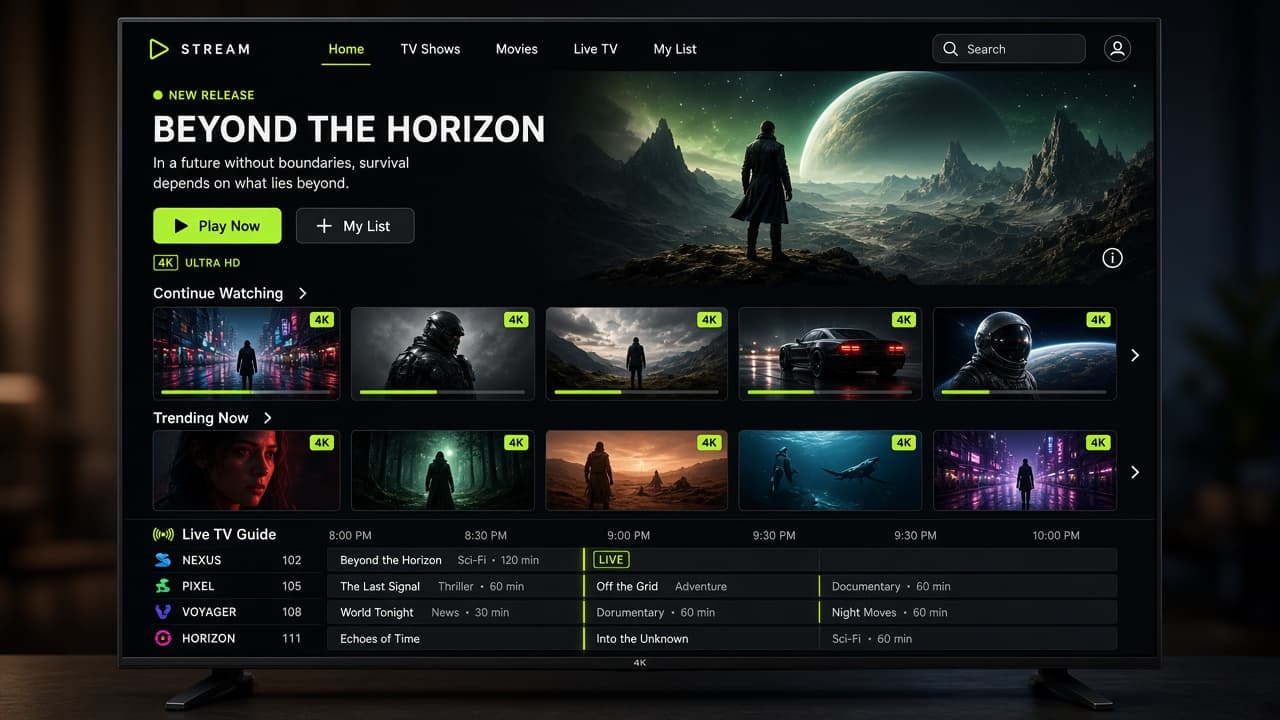
Save the account and wait for the channel list
Save the account and wait for the channel list. The first load is slower than later visits.
Step 5
Step 5
Play a channel you already know, then set picture mode to Standard or Filmmaker if the motion smoothing makes sport look odd. That setting is the TV, not the stream.
LG
On webOS, open the LG Content Store and search for the same player. Bob Player and IPTV Smarters are the names people usually find. Use whichever one is actually listed for your country and model year. The login fields are the same.
LG remotes hide the app list behind a long press of the Home button on some models. If you cannot find the player after installing it, that long press is the first place to look. Pin the app to the home row so the next person in the house does not have to search.
One TV, one connection
The smart TV uses a connection while it is playing. A phone in the kitchen on the same account will bump it if you only bought one connection. If the family watches together in two rooms, choose 2 connections on the pricing page before game night, not during it.
Renewal does not change the app. The username stays. If the TV asks you to log in again after a software update, enter the same details. You do not need a new subscription for a TV update.
Sound is worth a look too. Many Samsung and LG sets default to speakers that make a stream sound thin. A soundbar on HDMI ARC does not change the login, and it makes commentary easier to follow. If the TV offers a firmware update, install it before you judge the player. An old Tizen or webOS build is a common reason the store app closes on launch. After the update, open the player once and confirm the saved account is still there. If the store has no IPTV app at all, stop there and use a Fire Stick. We would rather you have one working remote than a TV menu that cannot install anything.
When the store has no IPTV app
An IPTV smart TV setup only works when Samsung Apps or the LG Content Store actually lists a player. Search Smarters. If that year’s TV has no result, stop. A Fire Stick on the HDMI port is the reliable path, and the Fire Stick guide has the current Downloader codes. The IPTV subscription is the same either way.
- ✓The TV is on 5 GHz or Ethernet
- ✓The player came from the TV’s own store
- ✓The login is Xtream Codes, not a random playlist file
- ✓A second room is not already playing on a 1-connection plan