Guides · Updated 2026-10-29
How to Set Up IPTV on a Fire Stick
IPTV on Fire Stick with IPTV Official. Turn on unknown sources, use Downloader, then sign in with the Xtream Codes we send.
Fire Stick path, checked 29 October 2026
| Step | Where | What you do |
|---|---|---|
| Unknown sources | Settings → My Fire TV → Developer options | Apps from Unknown Sources → Turn on |
| Downloader | Search on the home screen | Install Downloader by AFTVnews |
| Player | Downloader URL field | 644142, then 164547 if the first fails |
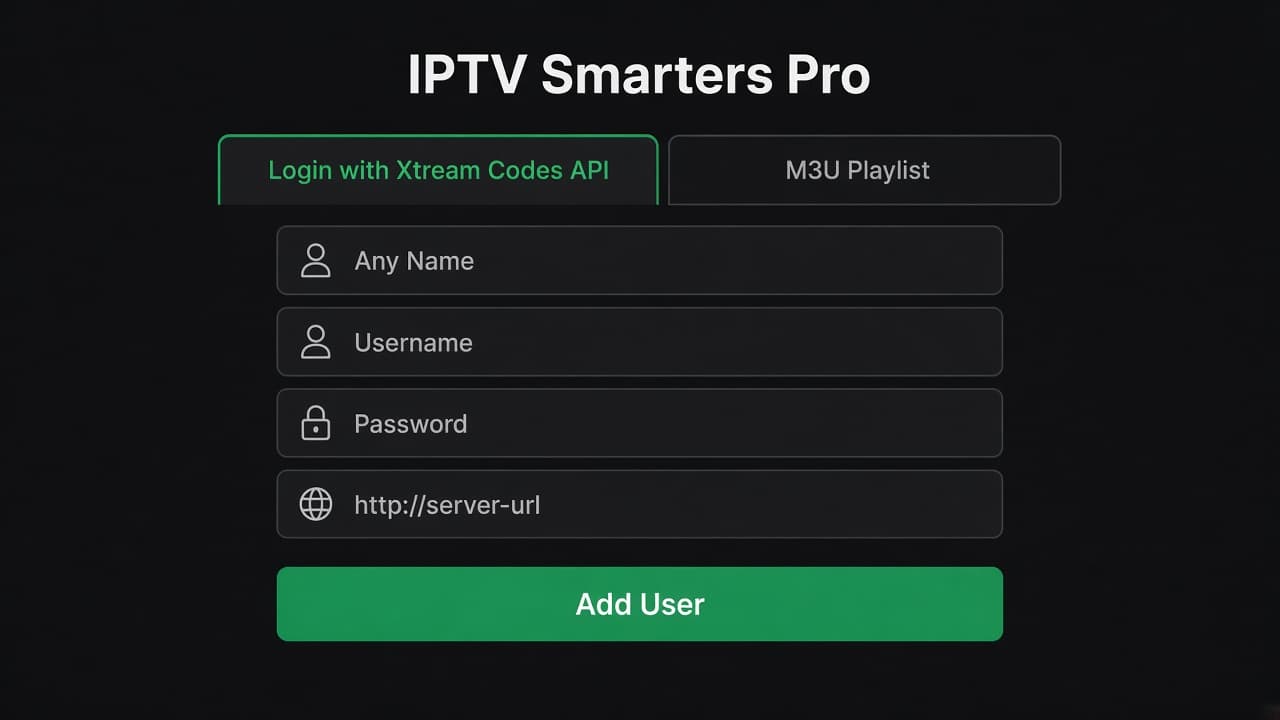
| Login | Add User → Xtream Codes API | Username, password, server URL |
IPTV Smarters Pro is not in the Amazon Appstore, so a Fire Stick needs the Downloader app and a short code. The codes below are the ones that install Smarters Pro right now. If Downloader says a code is unavailable, use the other one, then message us. Codes get retired. We will send a fresh one.
After the app is on the stick, the login is the server URL, username, and password we send on WhatsApp. That is Xtream Codes. Use that method. The guide and catch-up load with the account, and a renew keeps the same username.
Downloader codes for IPTV Smarters Pro
644142
164547
Try 644142 first. If that code does not resolve, enter 164547. Both install the same player.
Before you start
Put the stick on 5 GHz Wi-Fi if the router offers it, or use Ethernet with an adapter if the living room is far from the router. A crowded 2.4 GHz network is the usual reason a new line looks soft. Sign the TV into the Amazon account that owns the stick, and leave the stick plugged in so it does not sleep halfway through the first sync.
Have the WhatsApp message from us open on your phone. You will type three fields. A photo of the message is fine if the text is long. Do not post that photo anywhere else. It is the key to the account.
Install IPTV Smarters Pro
Step 1
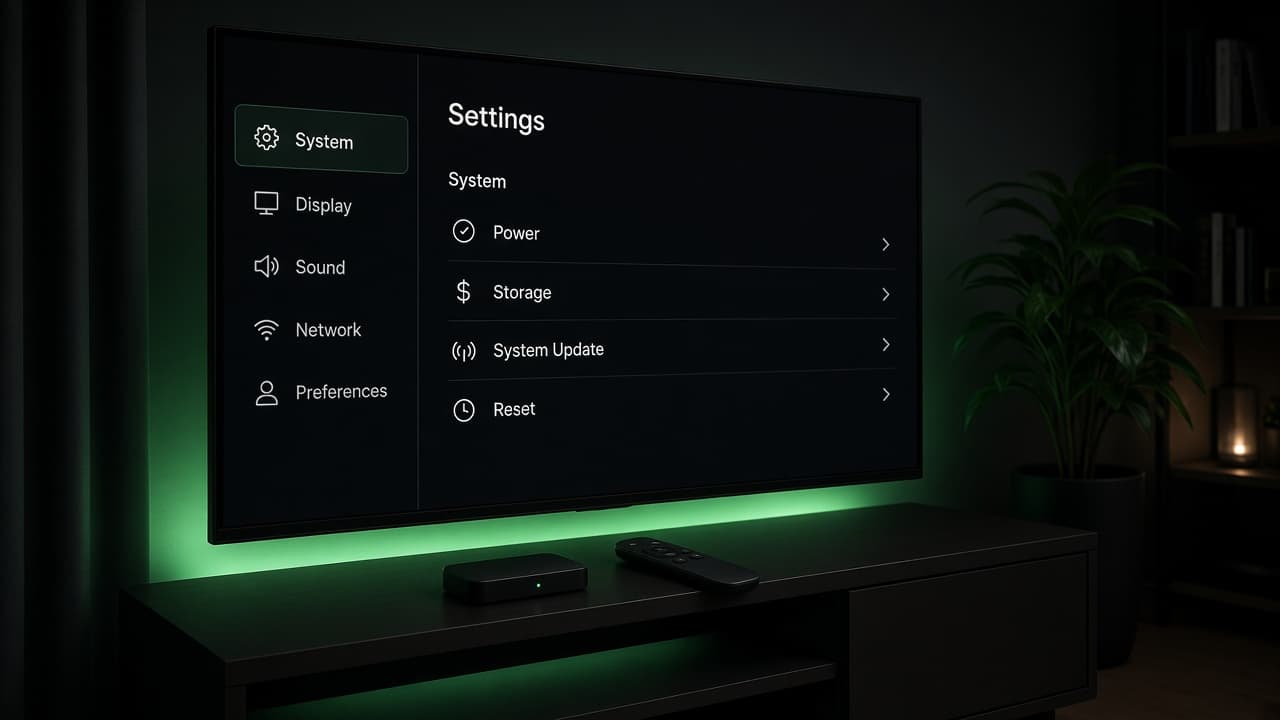
Allow apps from unknown sources
From the Fire Stick home screen open Settings, then My Fire TV, then Developer options. Turn on Apps from Unknown Sources and confirm Turn on. This only lets the stick install Downloader’s file. It does not change your Amazon account.
Step 2
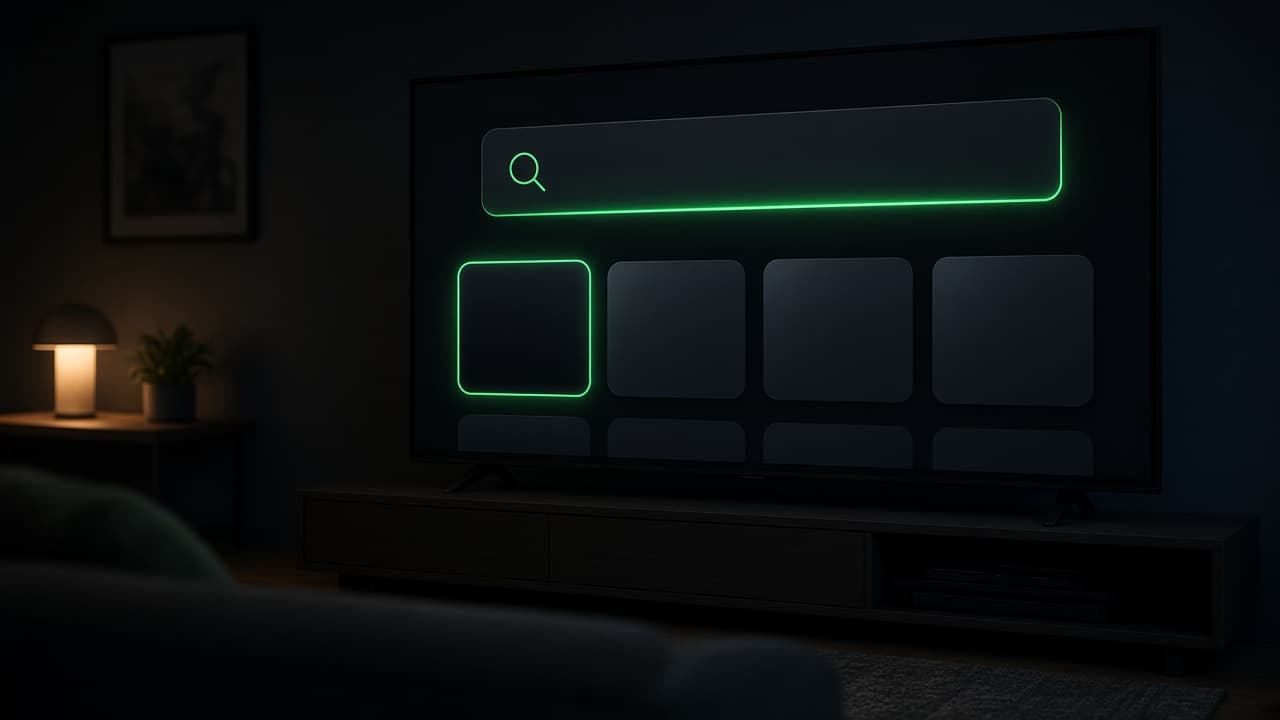
Install Downloader from the Amazon store
Go home, open Search, and type Downloader. Install the Downloader app by AFTVnews. Open it and dismiss the first-run prompts until you see the home screen with a URL field.
Step 3
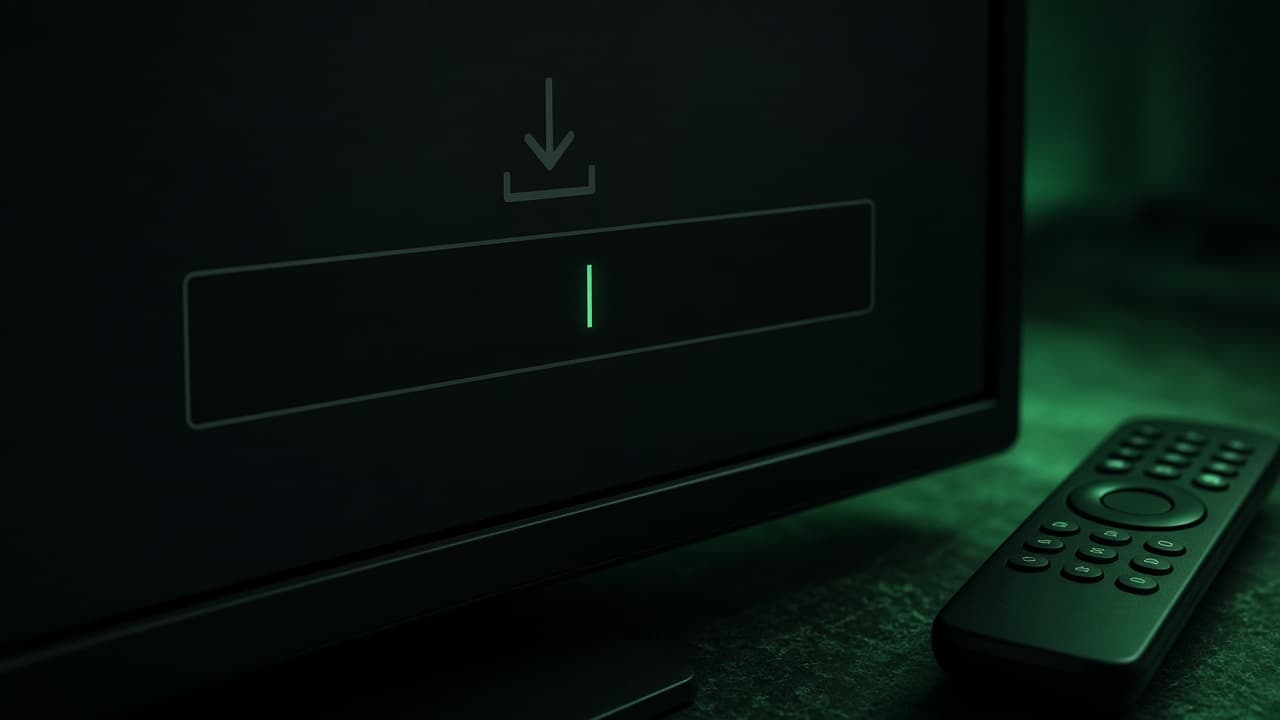
Enter a Smarters code
In Downloader, select the URL field. It may say http://. Clear it and type 644142, then Go or the search key. If that code fails, clear the field and type 164547. Wait until the file finishes downloading.
Step 4
Install, then delete the file
When the download ends, choose Install. After it says App installed, choose Done, then Delete, then Delete again so the installer file does not sit on the stick. Open IPTV Smarters Pro from Your Apps & Channels.
Step 5
Accept terms and add the user
Scroll the terms and tap Accept. Choose Add User, then Login with Xtream Codes API. Name the playlist Living room. Paste the username, password, and server URL from our WhatsApp message. Capitals in the password matter. Tap Add User.
Step 6
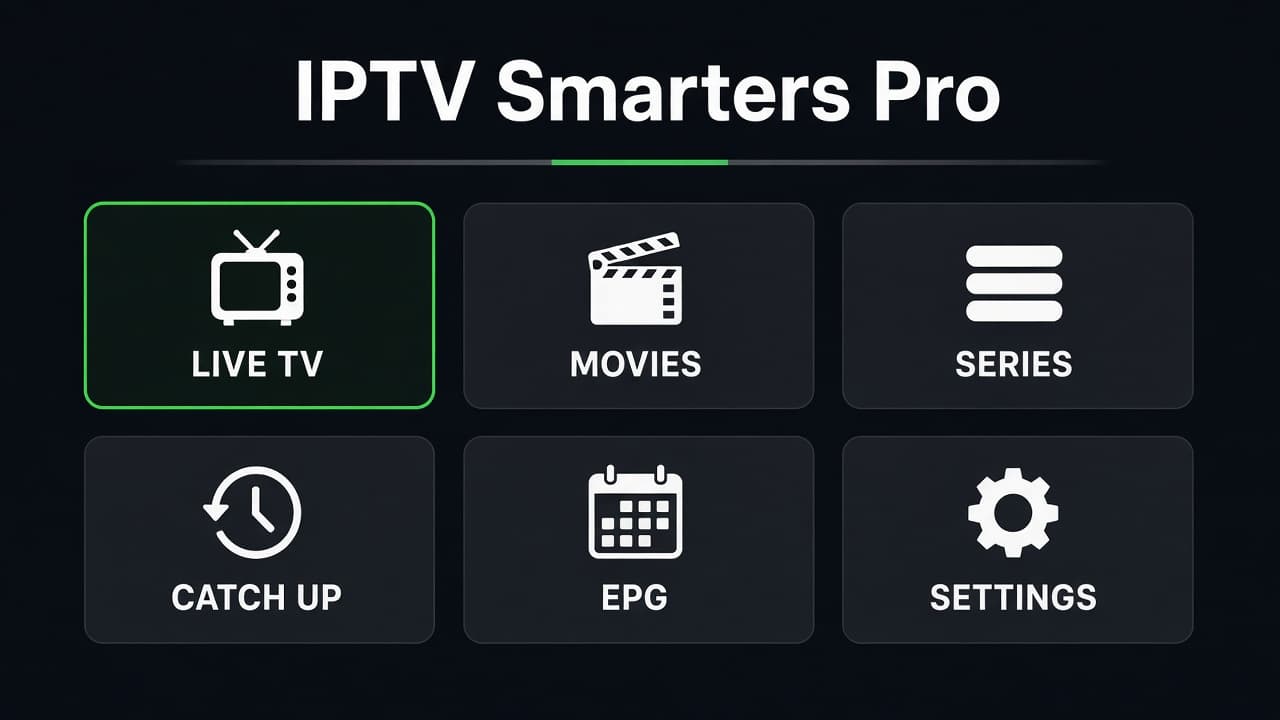
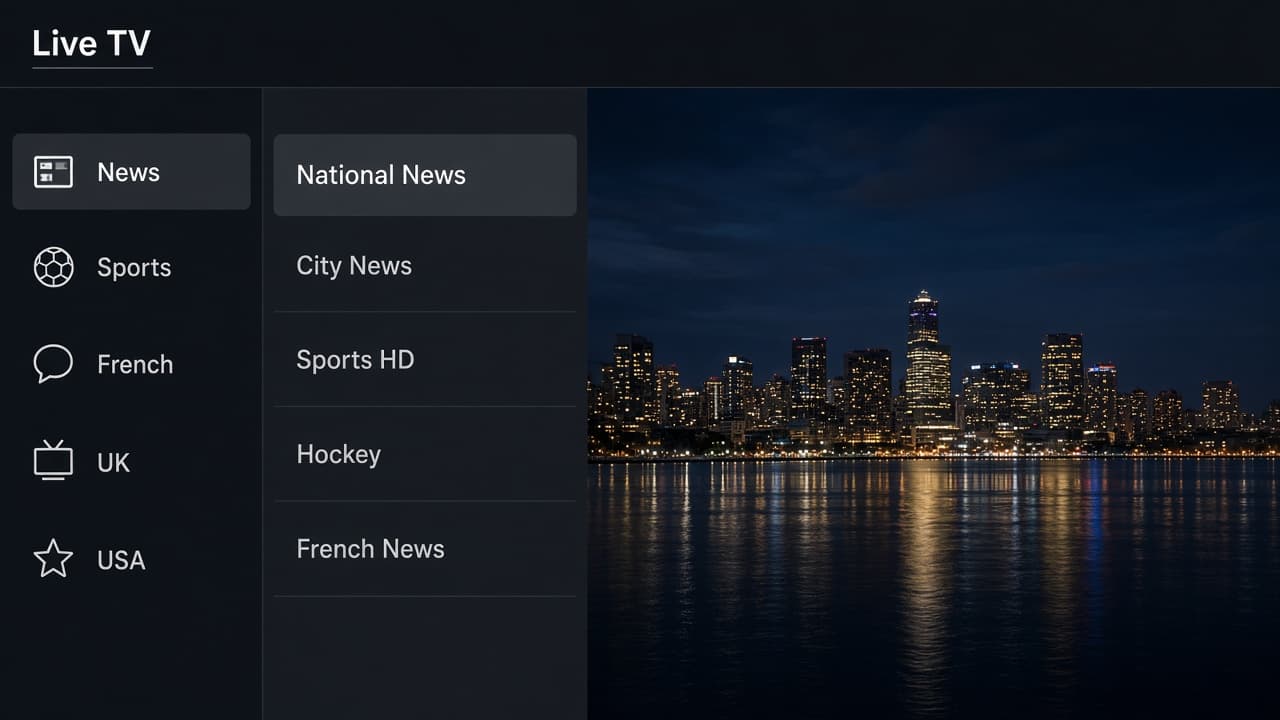
Open Live TV
Wait for the first sync. It can take a minute. Open Live TV, pick a Canadian news channel you already know, and leave it on for two minutes. Then long-press a channel you watch every week and add it to favourites.
If the picture stalls
Restart the stick from Settings, then the player, before you assume the service is down. Force-close the app, not just the back button. Check that another device in the house is not streaming on the same connection. One connection means one screen.
If news plays and a sports channel does not, tell us the channel name and the time. A missing group is a lineup question. A freeze on every channel is usually Wi-Fi. The trial and the first evening are when we want that detail, not three weeks later.
Renewing later
When the term ends, message us with the username. We extend that same account. You do not delete the playlist and you do not install the app again. Open the player the next evening and the expiry has moved.
If you replace the Fire Stick, install the player on the new one and enter the same three fields. The old stick should be signed out so you are not accidentally using the only connection in another room.
If a code does not open
Downloader codes for an IPTV app get retired. Try 644142, then 164547. If both fail, message us with the Fire Stick model and we will send the current code. Do not install a file from a forum or a random link. The only installer we stand behind is the one those codes fetch, then the Xtream Codes login we send you.
- ✓Unknown sources is on
- ✓Downloader is the app from the Amazon store
- ✓One code worked and the player installed
- ✓Username, password, and server URL match the WhatsApp message