
Guides · Updated 2026-10-29
IPTV on Android, a Computer, or a MAG Box
IPTV on Android, a computer, or a MAG box. One IPTV Official account, and what to try first when the picture freezes.

One account, three doors
| Device | What we send | Where it goes |
|---|---|---|
| Android | Xtream Codes | Smarters or TiviMate from the Play Store |
| Computer | The same login, as a test | Then move to the TV for the real guide |
| MAG or Formuler | A portal URL | Box settings, then reboot |
Android phones, Android TV, a Windows or Mac computer, and a MAG or Formuler box all use the account we send. The screens look different. The login does not. This guide is the setup for those three cases, and the short list of things to try when the picture freezes.
Install one player. Confirm one channel. Then customise. Reinstalling five apps in twenty minutes creates new problems and hides the original one.
Android and Android TV
Step 1
On a phone, install IPTV Smarters Pro from the Play Store
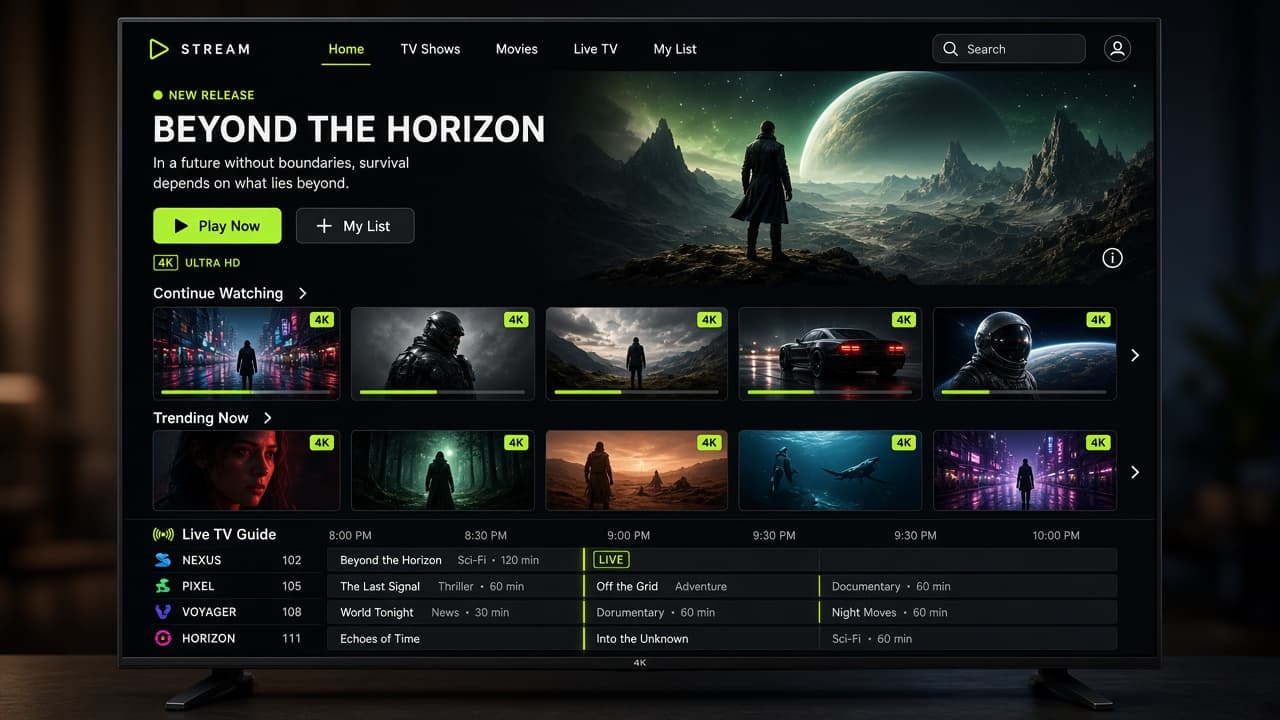
On a phone, install IPTV Smarters Pro from the Play Store. On Android TV or a Nvidia-style box, use the Play Store on the TV and the same app, or TiviMate if you want the television-style guide.
Step 2
Step 2
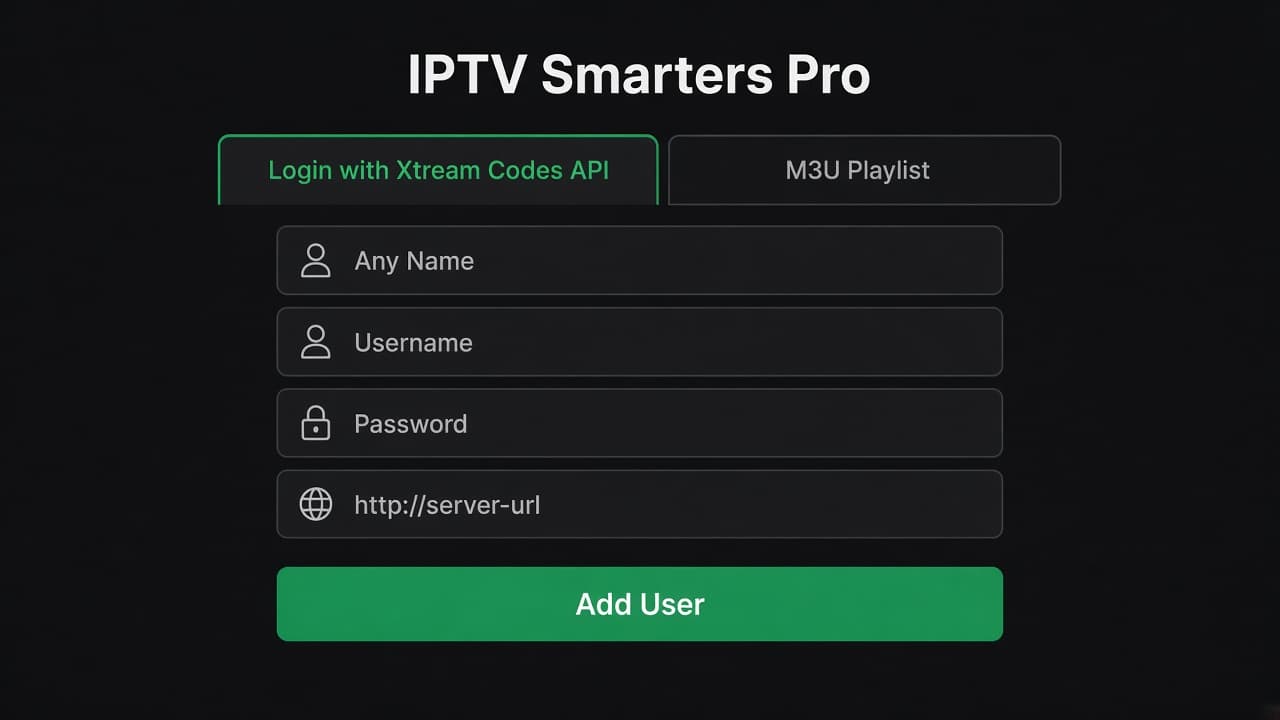
Choose Xtream Codes API and enter the server URL, username, and password.
Step 3
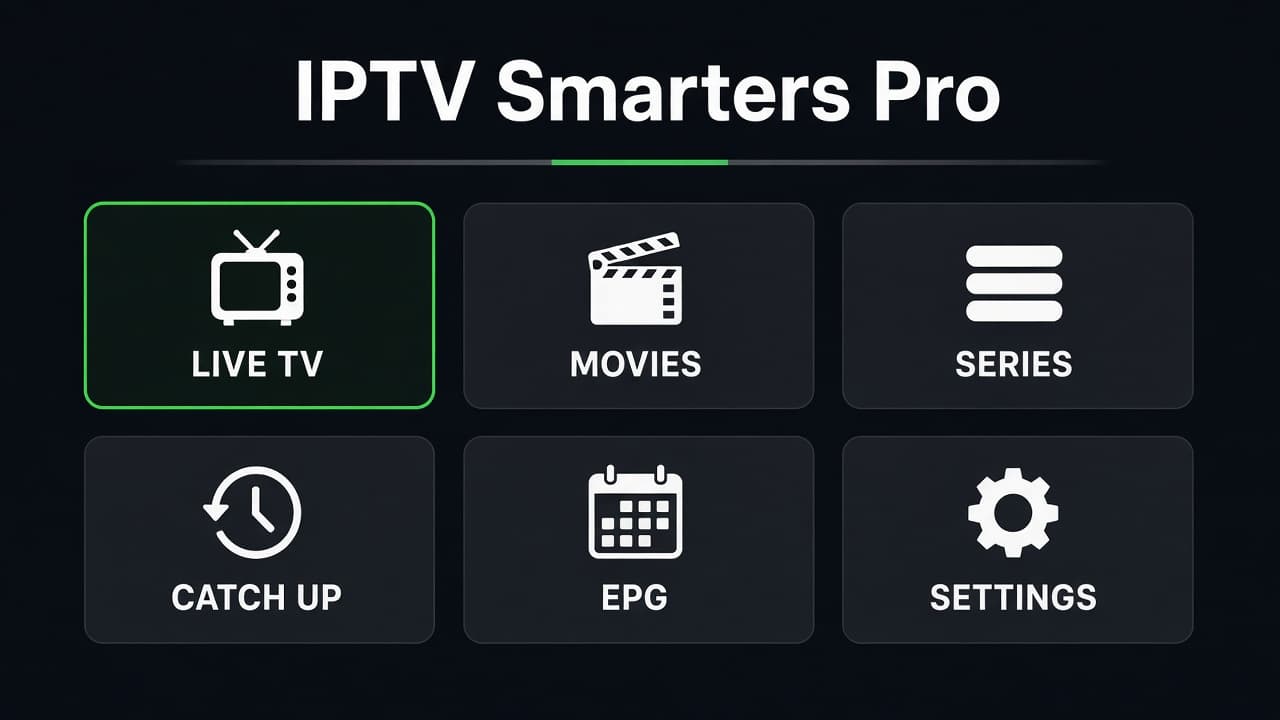
Allow the first sync to finish before you search for a channel.
Allow the first sync to finish before you search for a channel.
Step 4
Step 4
If the Play Store hides the app on a particular TV box, tell us the model. We will name a player that is listed, rather than send you a file from the open web.
Computer
On Windows or Mac, a desktop IPTV player that accepts Xtream Codes is enough. VLC can open an M3U link if you only want to confirm the account, but it is a poor daily guide. Use it as a test, then move to a player with a channel list if you will watch on the computer often.
A laptop on Wi-Fi in the same room as the router should look clean. If it does, and the TV in the other room does not, the service is fine and the TV’s Wi-Fi is the fault. That test is worth more than another screenshot of the plan.
MAG and Formuler
These boxes want a portal address, not a hunt through an app store. When you order, say MAG or Formuler in the WhatsApp message so we send the portal URL with the account. In the box settings, enter that portal, reboot, and the playlist loads like a set-top box.
Do not put a plain M3U into a box that is asking for a portal and then decide the line is dead. The mismatch is the setup. The pricing is the same account. The delivery format is what changes.
When the picture freezes
Step 1
Check whether someone else is watching on the same connection.
Check whether someone else is watching on the same connection.
Step 2
Force-close the player and open it once
Force-close the player and open it once. Do not reinstall yet.
Step 3
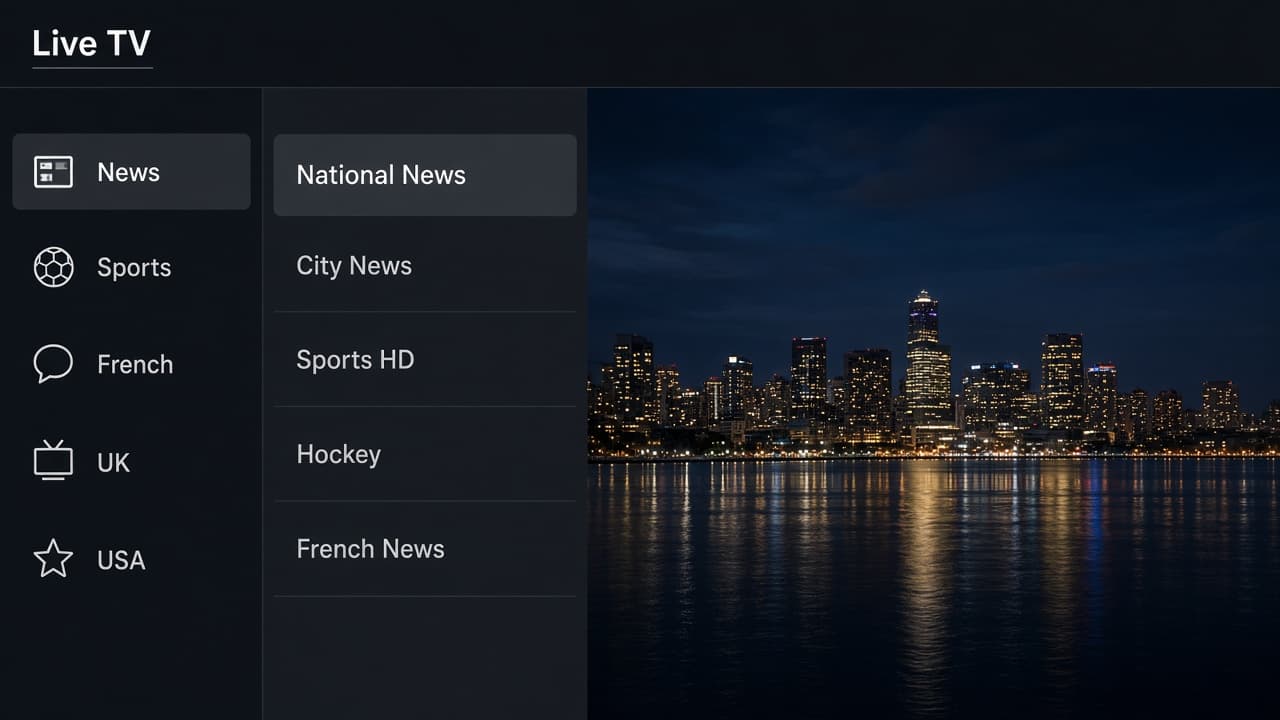
Try a different channel in the same group, then a news channel
Try a different channel in the same group, then a news channel. One bad channel is not a dead line.
Step 4
Move the device to 5 GHz or Ethernet and test for five minutes.
Move the device to 5 GHz or Ethernet and test for five minutes.
Step 5
Restart the router if the whole house is slow.
Restart the router if the whole house is slow.
Step 6
Message us with the device, the channel name, and the time
Message us with the device, the channel name, and the time. We would rather fix a named channel than guess.
Step 7
Work top to bottom
Work top to bottom. Another person on the same connection is the most common false alarm, then a cached player, then one bad channel, then the Wi-Fi. Reinstalling is last because it deletes the favourites you just built. If you are on a MAG box, also confirm the portal address is the one we sent for that box, not a playlist link meant for a phone.
One login, three different doors
Android uses IPTV Smarters or TiviMate from the Play Store. A computer can confirm the account, then should move to a player with a real channel list. A MAG or Formuler box needs the portal URL, which we send when you say the device name. Putting a phone playlist into a portal box is the usual false failure. The IPTV subscription is the same on all three.
- ✓Android installed from the Play Store
- ✓The computer test was only a test, not the daily guide
- ✓MAG or Formuler was named in the order so we sent a portal
- ✓A freeze was checked for a second screen on the same connection before a reinstall