
Guides · Updated 2026-10-29
How to Use a 24-Hour IPTV Trial Properly
How to use a 24-hour IPTV trial in Canada. Test your own TV with IPTV Official before you choose a month or a year.
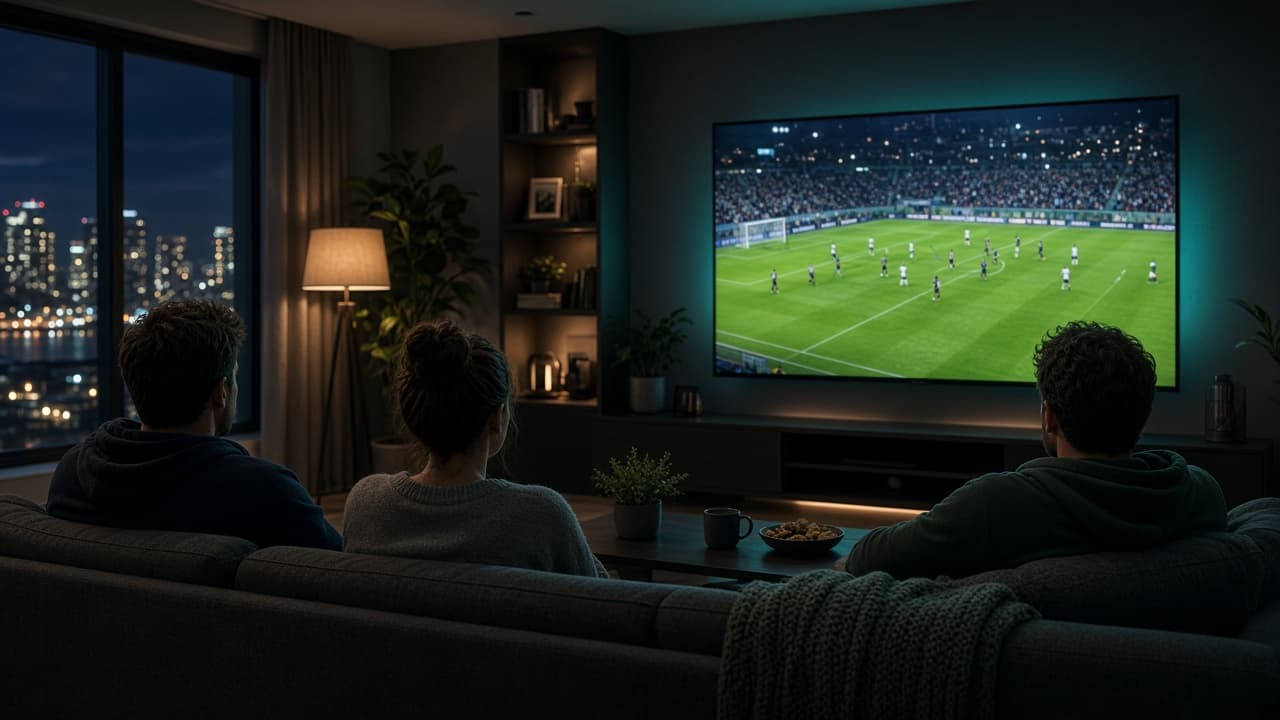
Use the 24 hours on purpose
| Hour | What to test |
|---|---|
| First 10 minutes | Login on the TV you will actually use |
| A news channel | Picture holds for two minutes |
| The show you care about | Sports or the channel you bought this for |
| A second room | Only if you plan to buy a second connection |
The 24-hour trial is for one question: does this look right on your television, on your internet, at the time you actually watch? A test at noon on a phone does not answer a Saturday night in the living room. Use the hour that matters.
New customers get one trial per household. The WhatsApp button on the site opens a message that says you want the 24-hour trial, so we send a trial login instead of guessing.
How to spend the day
Step 1
Step 1
Reply with the device you will use: Fire Stick, Samsung, LG, Android, Apple, computer, or MAG.
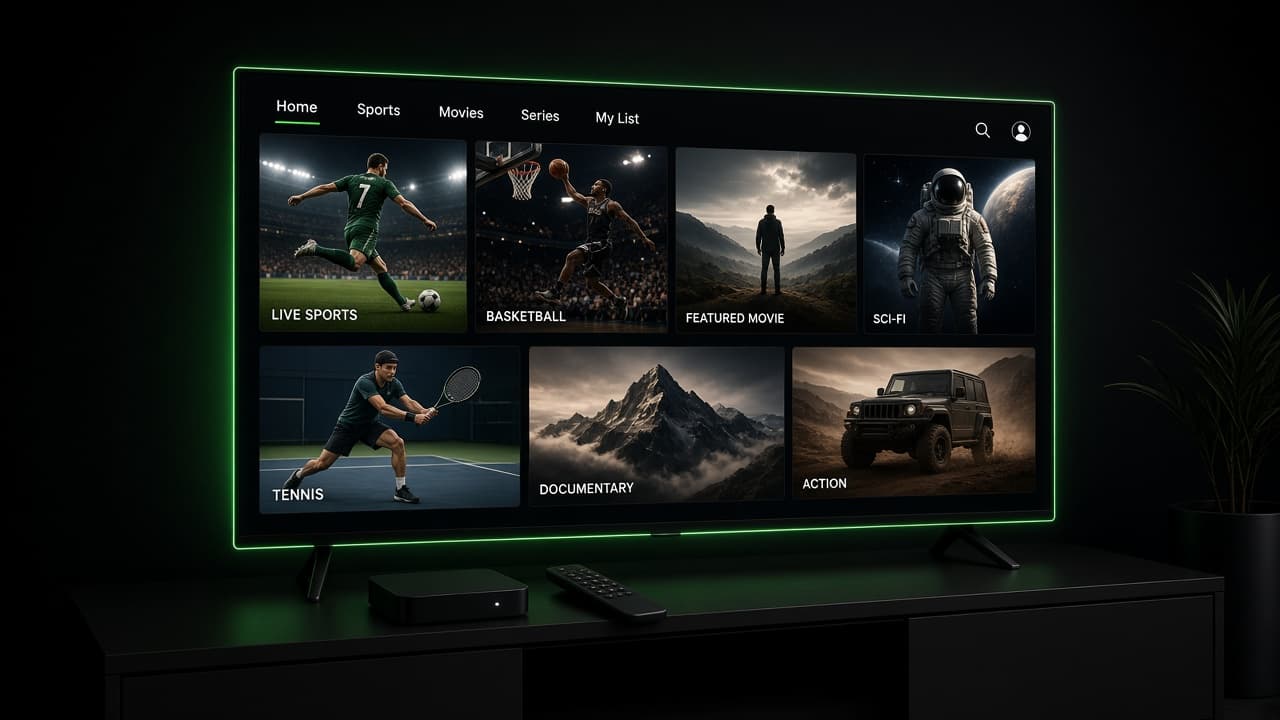
Step 2
Install one player
Install one player. The device guides on this site walk through that.

Step 3
Enter the trial login once
Enter the trial login once. Do not share it.
Step 4
Step 4
Play a channel you can judge, such as a news channel you already know from cable.
Step 5
Then play the kind of programme you bought IPTV for
Then play the kind of programme you bought IPTV for. Sport, a movie, or a show in another language.
Step 6
Leave it on for ten minutes, not ten seconds
Leave it on for ten minutes, not ten seconds. Short tests hide Wi-Fi drops.
Step 7
Step 7
If you will have a second TV on at the same time after you pay, say so now. The trial is one connection.
What a good trial looks like
The picture matches what your internet can carry. On a stable connection, HD should look clean and 4K should look clean when you pick a 4K channel and the rest of the house is not uploading. If every channel freezes, we look at the Wi-Fi before we look at the lineup. If one channel is missing, tell us the name.
A trial is not a full audit of 26,000 channels. Scroll the groups you care about: Canadian television, sport, news, kids, or the international pack your household asked for. That is enough to decide.
After it works
Order the term you want from the plan cards. The WhatsApp text names the plan, so a 1 month order does not get mixed up with a year. You can keep the same player. We replace the trial with the paid account, or extend it, and tell you if you need to update the password.
If it does not work, say what you saw. “Buffering on 5 GHz in the evening” is useful. “It’s bad” is not. We would rather lose the sale than sell a year to a Wi-Fi problem.
Do the trial on the television, not only on a laptop at the kitchen table. The laptop hides a weak living-room signal. If you already know you want two screens, mention that during the trial so the paid order matches the house. The trial itself stays on one connection. When you order, the plan button writes the term into WhatsApp, whether that is 1 month or a year. Email, if you prefer a copy, is iptvofficialca@gmail.com. WhatsApp is still the faster way to get the trial login. One trial per household is enough to answer the question.
What a useful trial proves
A 24-hour trial of an IPTV service answers one question: does this hold on your TV, at the hour you watch. Run it at night, on the Fire Stick or smart TV, not on a laptop at noon. If it holds, order from the plan cards. The year is $90, which is $7.50 a month. The month is $11 if you are still unsure.
- ✓Tested on the real television
- ✓Tested after 7 p.m.
- ✓A news channel and a sports channel both played for ten minutes
- ✓You know whether you need one screen or two