
Guides · Updated 2026-10-29
How the IPTV Channel Guide (EPG) Works
How the IPTV EPG works. Load the guide, save favourites, and stop scrolling 26,000 channels on IPTV Official.
Groups worth opening first
| Group | Open it for |
|---|---|
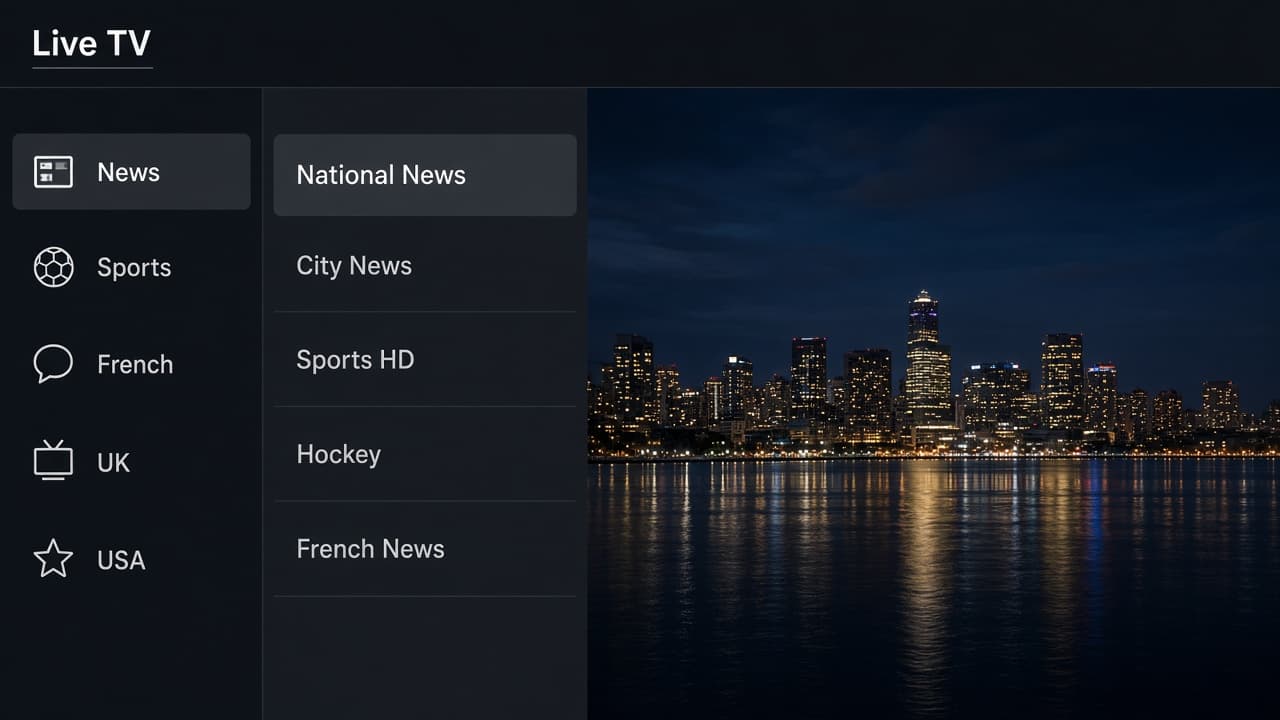
| Canadian news | A channel you already know, as the first test |
| Canadian sports | Hockey and the game you planned |
| French | Québec news and RDS-style sport |
| US entertainment / UK | The rest of the evening, after favourites exist |
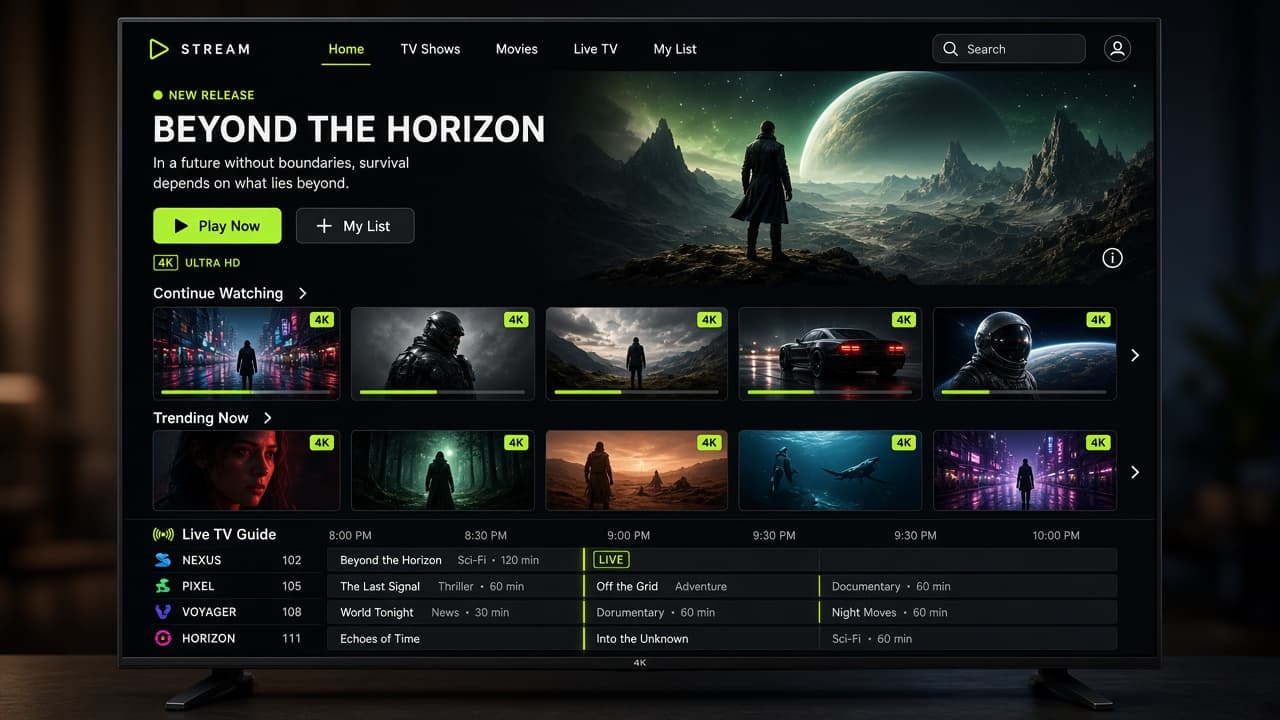
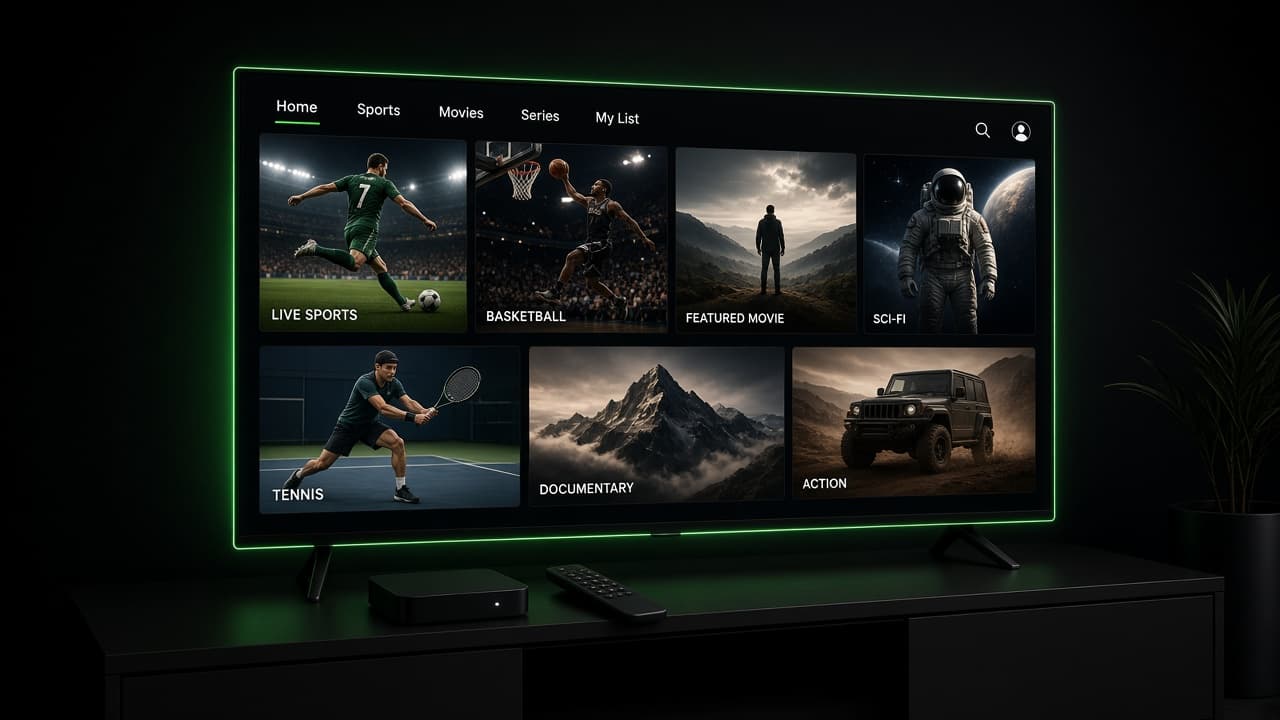
The EPG is the on-screen guide: what is on now, and what is on next. With 26,000 live channels, the guide is the difference between a television and a junk drawer. You should not browse the full list every night. You should open a short list of channels you actually watch.
Guide data is not equally complete for every country and every small channel. Major Canadian, US, and UK channels are usually filled in. A niche channel may play perfectly and still show a blank slot. A blank guide row is not a broken stream.
Load it once, then ignore the rest
Step 1
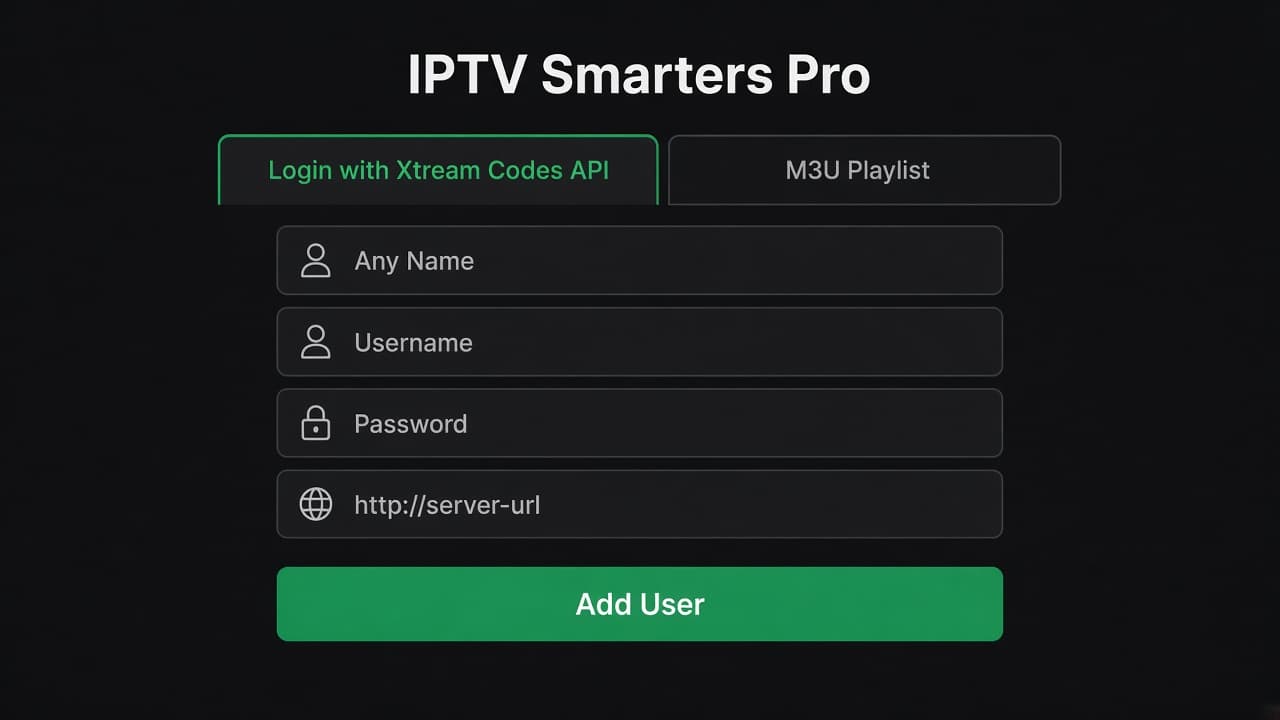
After the first login, open the guide and wait
After the first login, open the guide and wait. The first fetch is the slow one.
Step 2
Step 2
If the times look shifted, check the app’s time offset or the TV’s time zone. A guide that is one hour off is usually the device clock.
Step 3
Search for five channels you watch every week
Search for five channels you watch every week. Favourite them.

Step 4
Hide or collapse groups you will never open
Hide or collapse groups you will never open. Sports you do not follow, languages nobody in the house speaks, and shopping channels.
Step 5
Use the favourites list as the home row
Use the favourites list as the home row. The full lineup stays there when you need it.
Step 6
Step 6
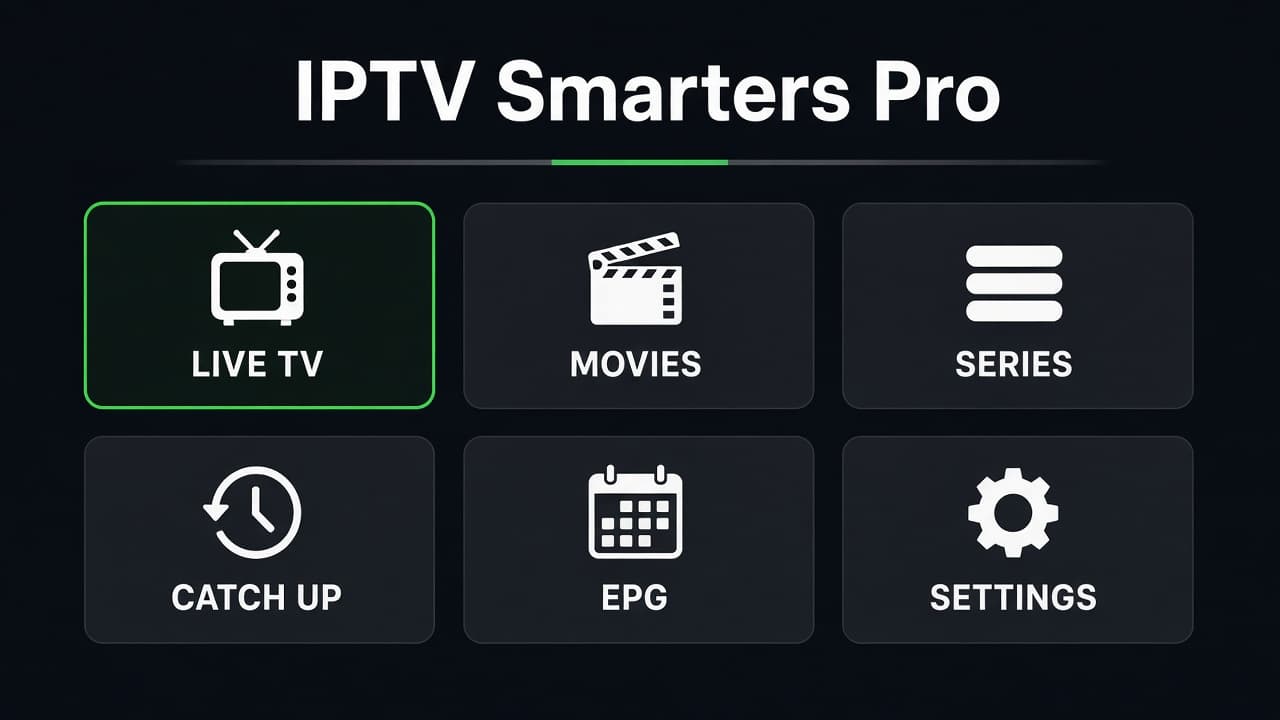
Movies and series live in the VOD section of the player, not in the live guide. Open that tab when you want a film, not a channel.
Catch-up
Catch-up, where a channel offers it, lets you play a programme that already aired. It is not on every channel, and the window is not the same length everywhere. If a show you missed is not there, it was not in the catch-up set. We cannot promise a specific episode on demand unless it is in the movie or series library.
Restart the app if the guide is stuck on yesterday. Players cache. A force-close pulls a fresh copy. Reinstalling is the last step, not the first, because it throws away favourites.
Keep it after a renew
Favourites are stored in the app, tied to the playlist. A renew that keeps the same username keeps that list. A new username, or a deleted playlist, starts you over. That is why the renew instructions tell you not to remove the account.
If you change from Smarters to TiviMate, you will favourite again. The channels are the same. The list lives in the app you left behind.
Build the short list on the first night, while the login is still on screen and you remember which groups mattered. A week later the full lineup feels larger than it is. Five favourites for news, five for sport, and the kids’ group is a television. Twenty-six thousand channels with no favourites is a chore, and people blame the service for a list they never trimmed. Five minutes on the first night saves that. The groups you hide can be opened again later. Nothing is deleted from the account. The full lineup is still there when a guest asks for a channel you do not usually watch.
Groups worth opening first
The IPTV channel list is grouped, and the EPG fills the major Canadian, US, and UK rows more reliably than a tiny niche channel. On the first night, look for Canadian news, Canadian sports, French channels if you want them, US entertainment, and UK. Favourite those. A blank guide slot on a small channel is not a missing stream. Movies and series are in the player’s video library, not in the live IPTV EPG.
- ✓The TV clock and time zone are correct
- ✓Five channels you watch every week are favourites
- ✓Groups you will never open are collapsed
- ✓You did not reinstall just because one guide row was empty